
For members
Home
Home shows whether you are checked in, what is on right now and what is coming up next.
Home is the first tab in the app: a glance at whether you are in and what is on your schedule.
It updates by itself, so a face scan at the site shows up within moments.
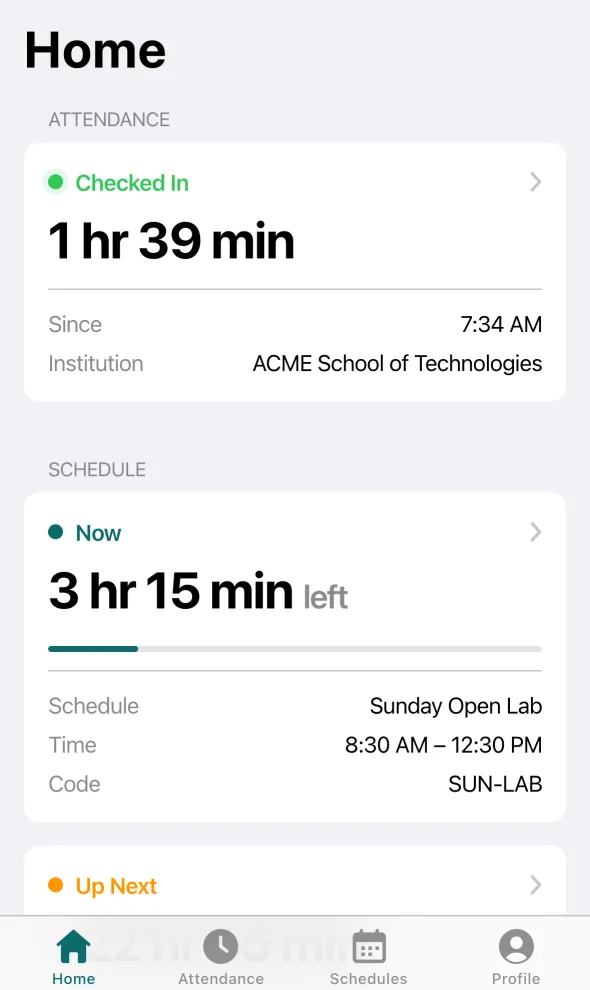
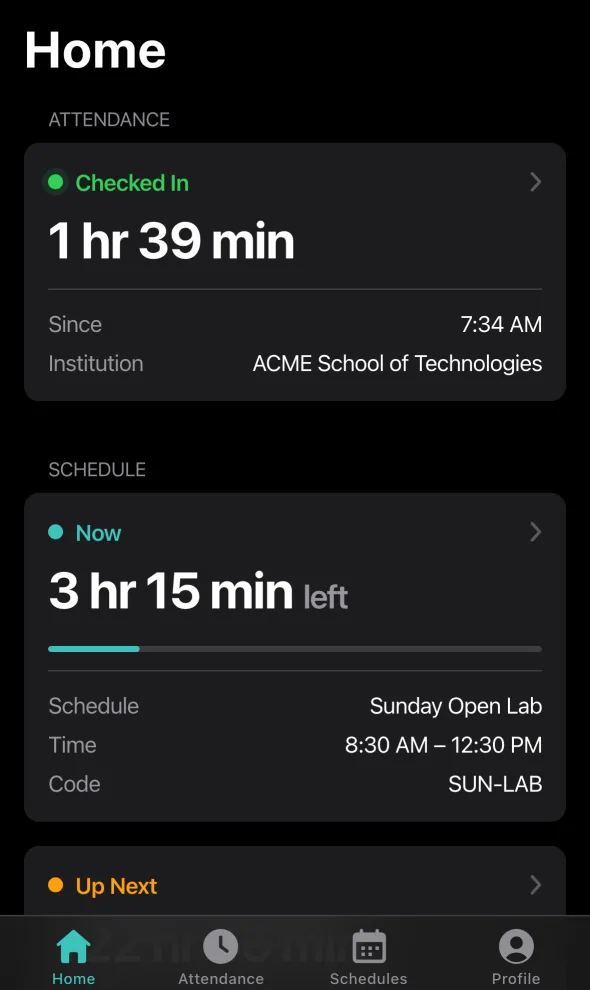
| Card | What it shows |
|---|---|
| "Checked In" | A green dot, how long you have been in, when you checked in and at which site. With no open check-in it reads "Not Checked In". |
| "Now" | The schedule that is on right now, how much time is left and a progress bar. |
| "Up Next" | Your next schedule and how long until it starts. |
You are "checked in" when your latest entry at that institution is a check-in. Tap the attendance card to open the Attendance tab, or a schedule card to open Schedules.
The app follows your phone's light or dark setting. There is no separate toggle.