
Getting started
What Zentril is
Face check-in at your institution, a phone app for members, and a dashboard for admins and managers.
Zentril records attendance for a school, workplace or organization. A camera at the institution's site scans your face when you arrive and leave, and your time in and out appears in the app right away.
Members use the phone app to see their attendance, ask for corrections and join schedules. Admins and managers use the dashboard to approve people, review attendance and run schedules, on a computer or from their phone.
- JoinSign in with Google, enter your institution's code, scan your face
- AttendA site scans your face; your time shows on Home
- FixMissing or wrong entry? Send a request from your phone
- ReviewYour lead manager (your adviser) or an admin decides it on the dashboard
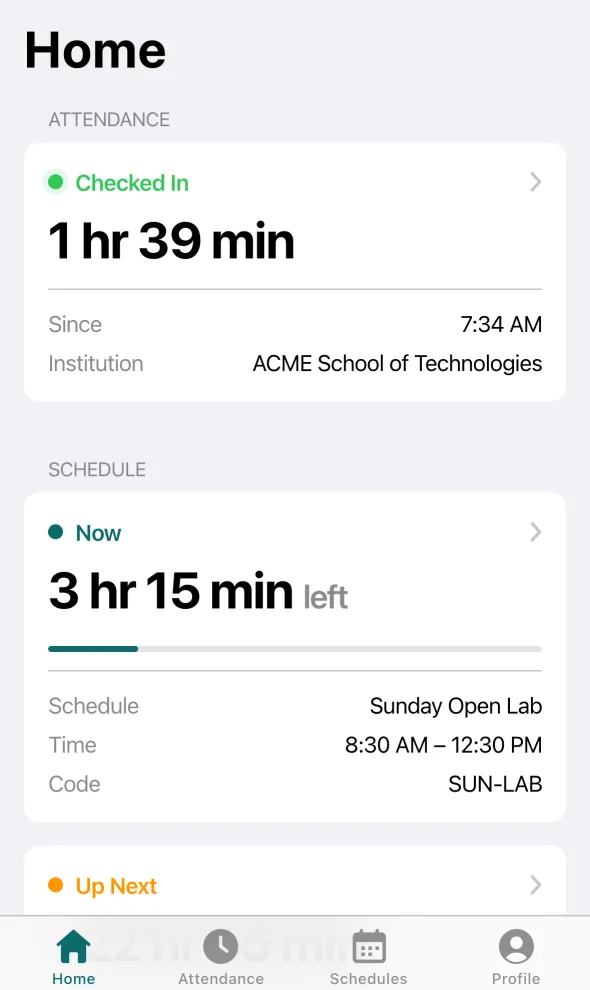
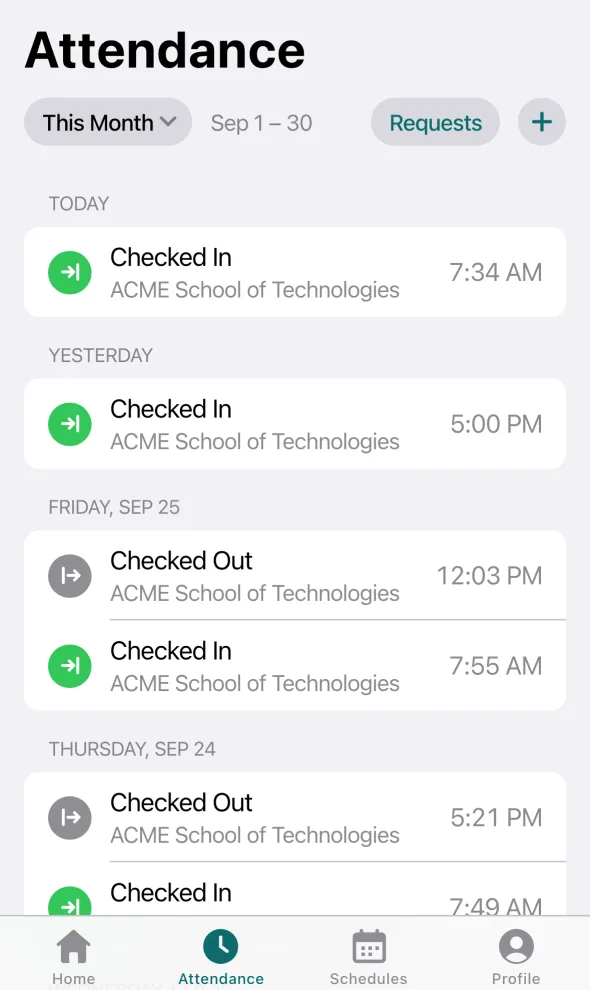
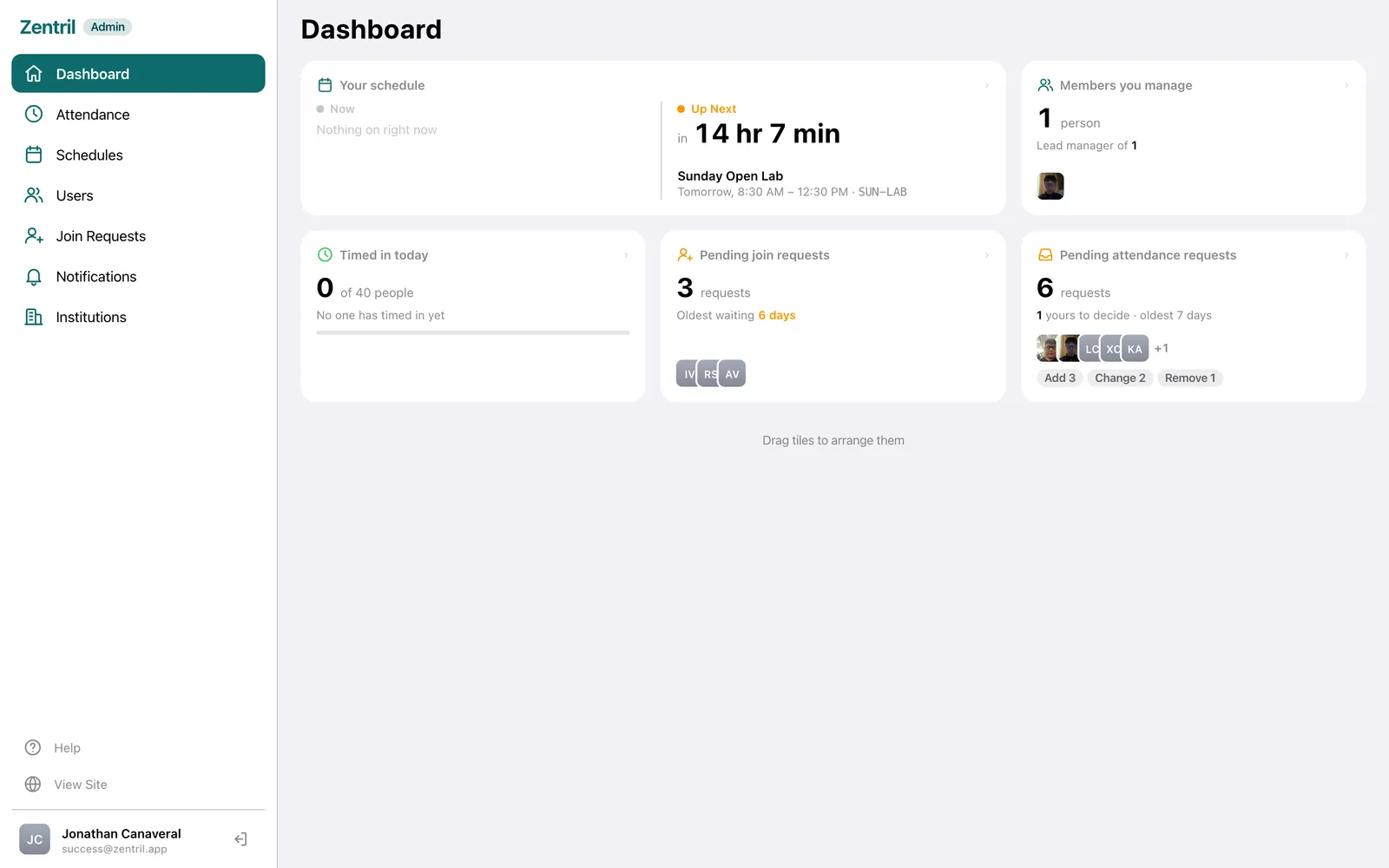
| Phone app | Dashboard | |
|---|---|---|
| Who | Every member | Admins, managers, supervisors and Zentril staff |
| Device | Phones and tablets, installable to the Home Screen | Desktops and tablets, or phones from Profile → "Admin Dashboard" |
| For | Onboarding, your attendance, corrections, schedules, notifications | People, join requests, attendance, requests, schedules, notifications |
Read next
- Signing inSign in with your Google account; phones open the app, and tablets and desktops open the dashboard if you run an institution.
- Roles and accessMembers, supervisors, managers, admins and Zentril staff, and what each of them can do.
- Joining an institutionEnter your institution's code, scan your face and check your details, then wait for approval.