
For members
Your notifications
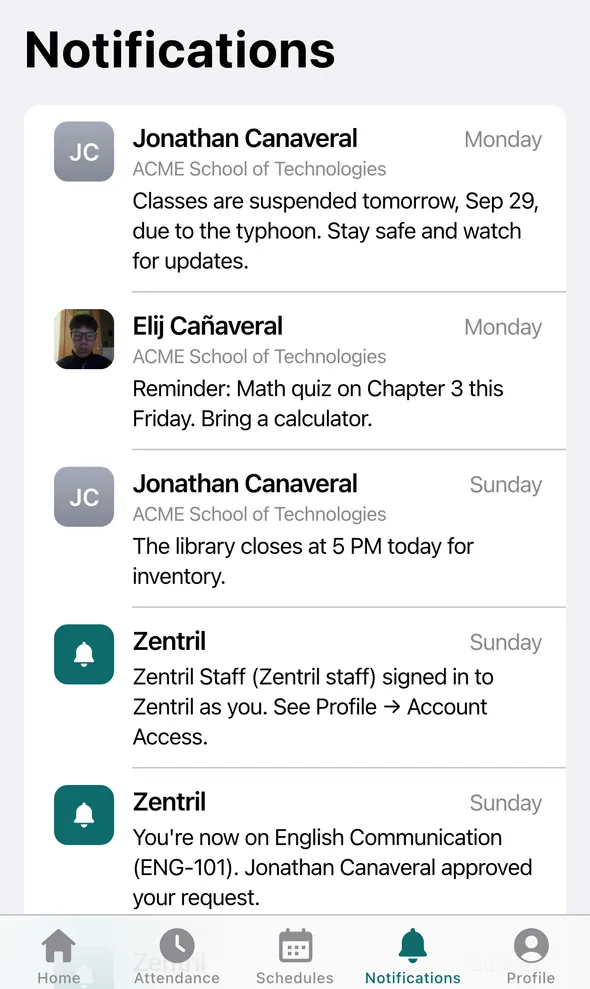
Messages from your institution arrive by SMS and in the Notifications tab.
Your institution's admins and managers send short notices, like class suspensions or reminders. Each one comes as a text message to your phone number and shows in the Notifications tab.
| You see | What it means |
|---|---|
| A blue dot | You haven't opened it since it last arrived |
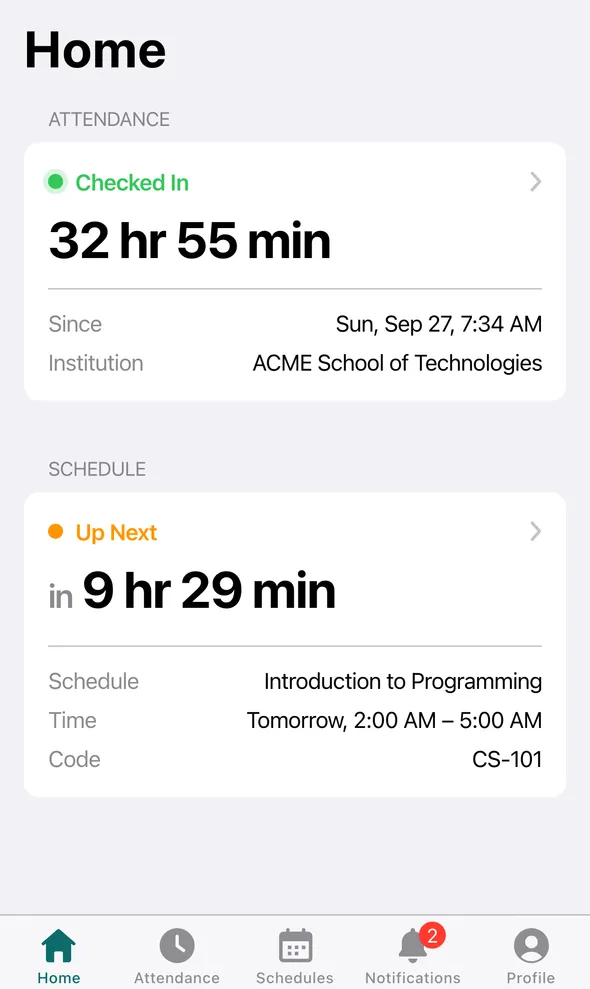
| A red number on the tab | How many are unread |
| "Repeats every day until Oct 2" | It will come again at that interval until then |
| "Zentril" with a bell | A message from the app itself, like a schedule decision |
Opening the tab marks everything read. The dots stay until your next visit. A repeating notice shows once, at the latest time it came, and becomes unread again each time it repeats.